Update your app ASAP, because you’re in for a more seamless, holistic Grab experience— riding, dining, making payments, sending deliveries and earning rewards, all on a single super app!
Put the days of having to switch apps behind you, and say hello to these nifty new features…
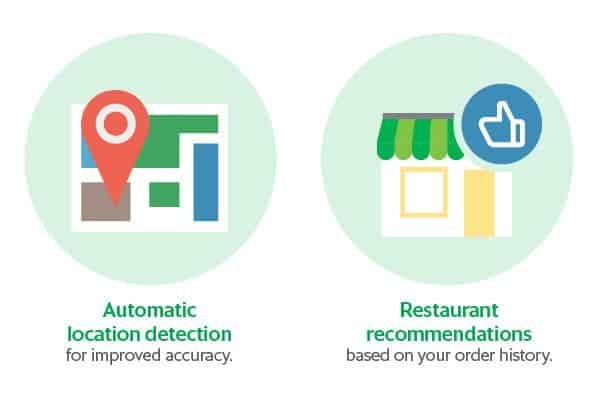
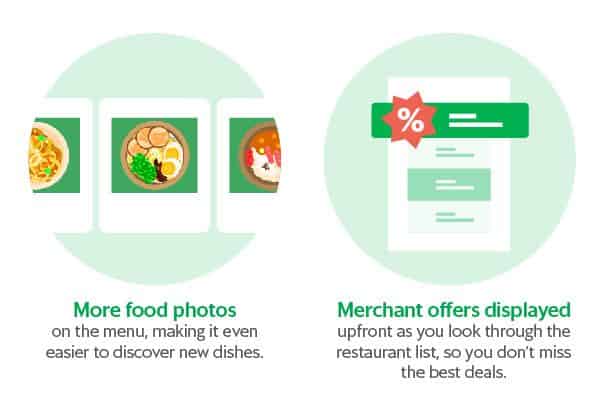
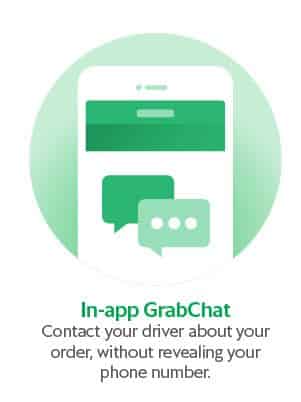
Do make sure your main Grab app is updated to the latest version to enjoy these features, as the standalone GrabFood app will not be operational 2 May 2019 onwards..
We hope you enjoy using the new and improved GrabFood!
And in case you missed it, read on for more info about our big move.
Here are a few tips on how to make the most of the new app:
- Key in your unit number in the ‘Notes’ section so your driver can find you faster.
- Top up your GrabPay credits before you order for a smoother checkout.
- Add your address to ‘Saved Places’ when booking a ride and it’ll show up when you order.
- Order around 30 minutes before you want to eat so it arrives just in time.
Hungry for more info? Scroll down.
Upcoming features in the works
Here’s a sneak peak of some of the things we have coming up, to make your experience even more awesome:
- ‘Re-order past order’, so if you love and crave it, you can get it in a few taps.
- Restaurant Ratings to make it easier to help you and other eaters decide what to eat.
- Pre-Orders so you’re prepped for that working lunch, and will never forget to eat again.
- Concurrent, cross-services bookings, so you can order in on your way to work, or home.
Frequently Asked Questions
Can I still use the current GrabFood app?
Once the new BETA GrabFood experience moves into the main Grab app, everything you need will be in one place. So on May 2 you can delete the standalone GrabFood app and spring clean your homescreen, like you’ve been meaning to.
Will my saved addresses be moved over too?
The places our Grab passengers ride to most often are usually the ones they order food to as well. So now if you add an address to your ‘Saved Places’ when booking a ride, those same addresses will pop up when you want to order food.
What will happen to my GrabFood Subscription Plan?
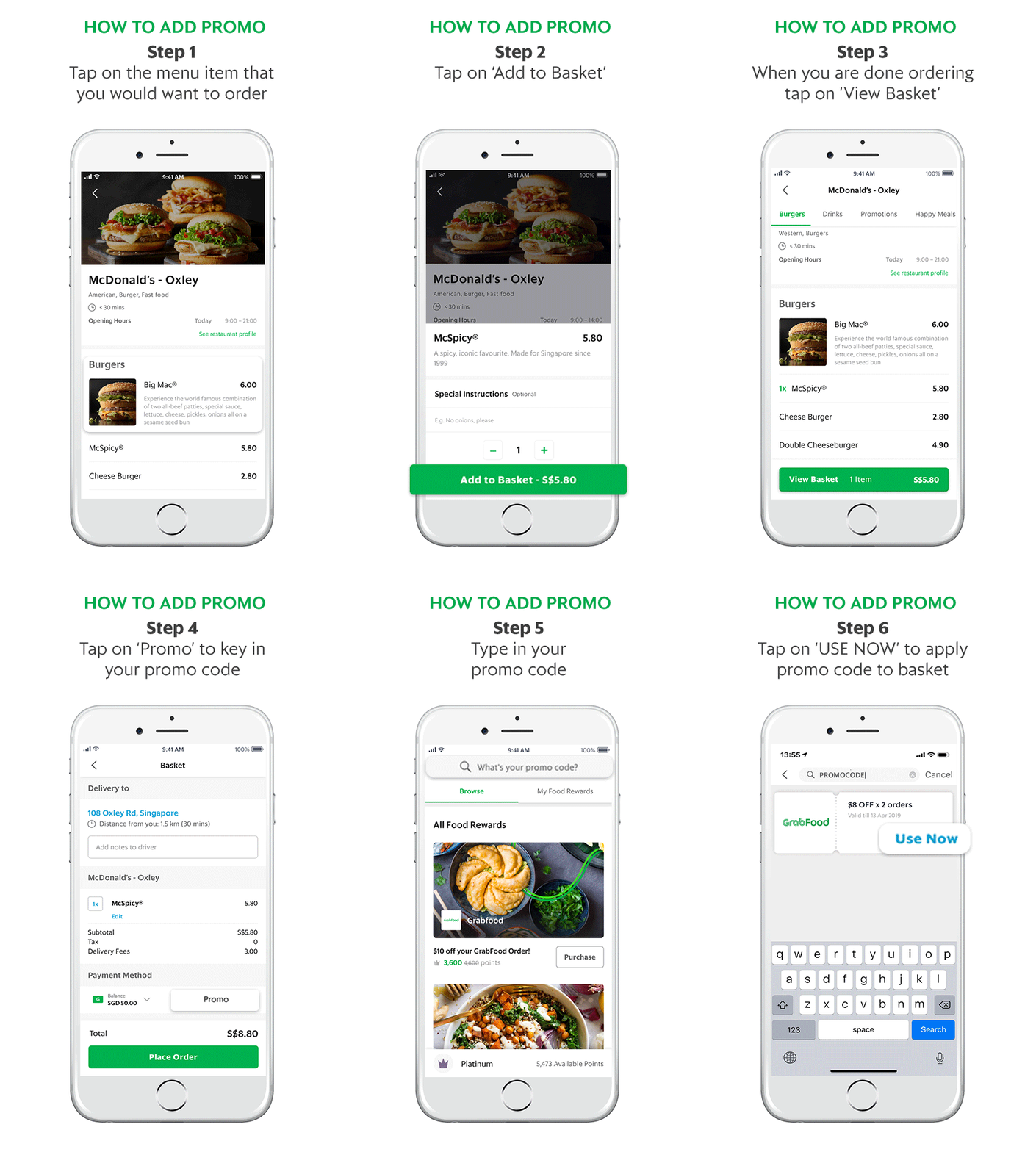
All the existing rewards that you get with your Subscription Plan will still be available to you inside the ‘MyRewards’ section of the app but it’ll now be even easier for you to use them. When you’re ready to order, you can either look for the food reward and click ‘View’ then ‘Use Now’ to start ordering without needing to apply the promo code again; or you can just click on ‘Add a promo’ during checkout.
Need help? Visit our Help Centre.
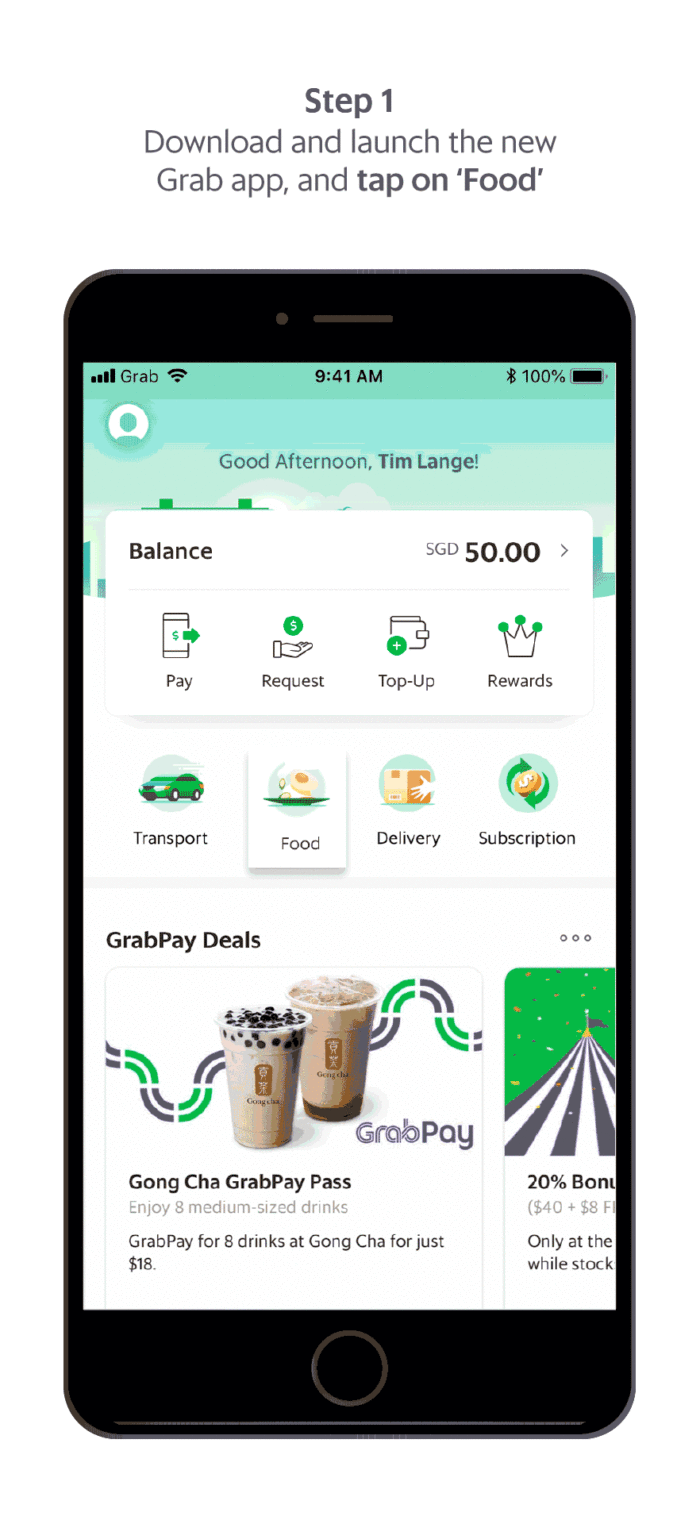
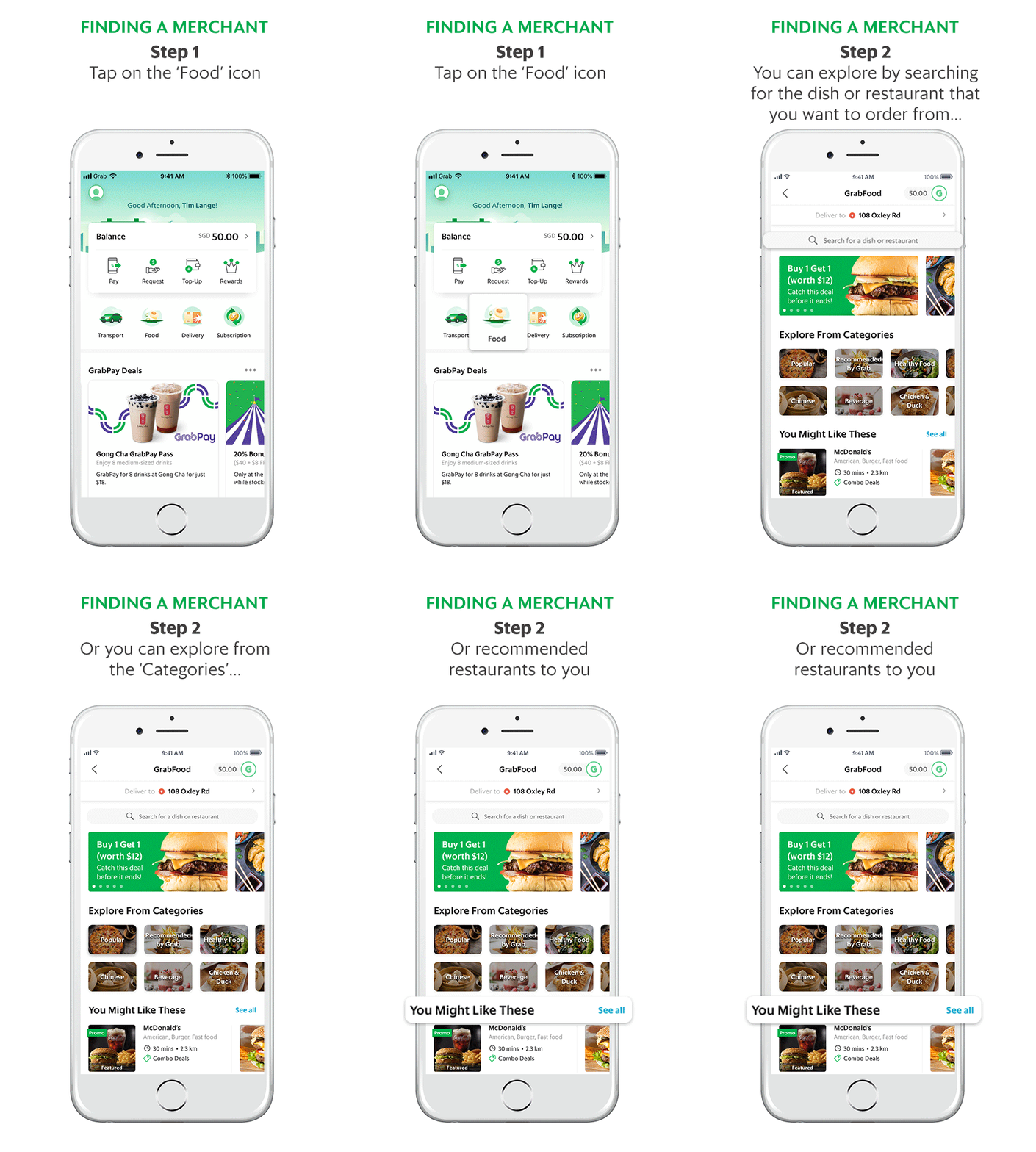
Follow the steps below to enjoy your meal!
Terms and Conditions
- You need to have an existing Grab account with a verified email address in order to use GrabFood.
- You need to have the latest Grab (v. 5.38) and GrabFood app.
- Orders can only be made with GrabPay (credit/debit cards or GrabPay Credits).
- A successful redemption is only made upon checkout. Any promo code applied without checkout does not guarantee a redemption in the future.
- Grab reserves the right to change any promotions at their own discretion.